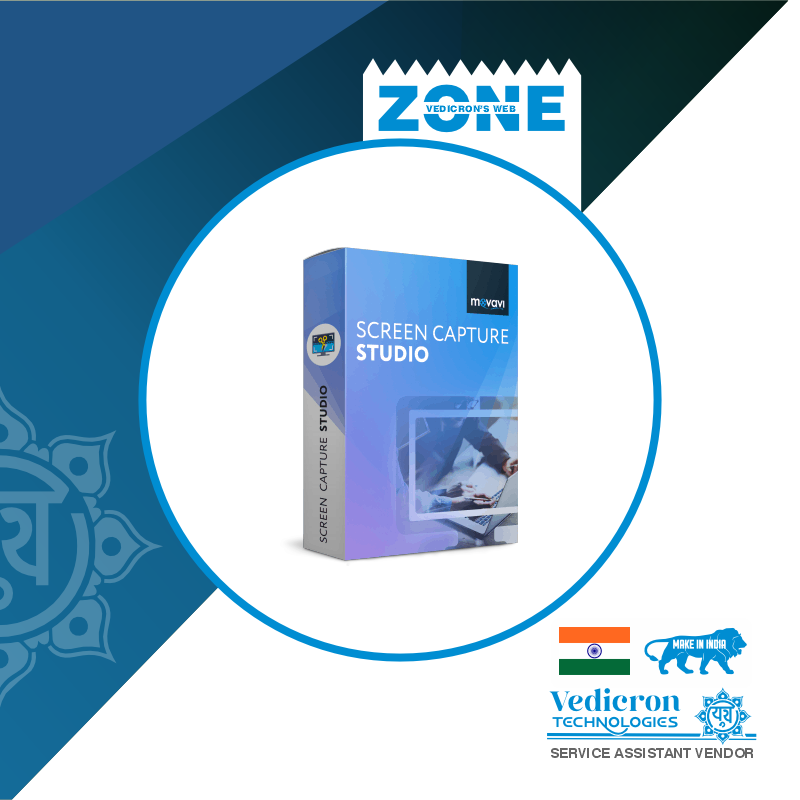
Movavi Screen Capture Studio is your all-in-one solution for recording and editing videos from your screen. Whether you're creating tutorials, streaming gameplay, recording video calls, or capturing webinars, Movavi delivers smooth performance with professional-grade tools in a beginner-friendly interface.
Capture anything on your screen in high quality, and then edit it directly using the built-in video editor to add effects, transitions, text, and music. This software is ideal for YouTubers, teachers, gamers, content creators, and professionals looking for a reliable screen capture solution.
✅ Record Webinars, Streaming Videos, Zoom Calls, Tutorials, & Games
✅ Built-in Video Editor – Add Music, Titles, Effects & Transitions
✅ Schedule Recordings & Capture System + Microphone Audio
✅ Supports HD, Full HD, and 4K Recording
✅ Export in MP4, AVI, MOV, MKV & More
➤ Who Can Use Movavi Screen Capture Studio?
YouTubers & Streamers – Record tutorials, reaction videos, or gameplay
Teachers & Trainers – Create educational content, courses, and lectures
Business Professionals – Record meetings, presentations, or demos
Freelancers – Make software walkthroughs and explainer videos
Students – Save online classes and create academic projects
➤ Why It’s Useful:
Intuitive and easy to use—no editing experience needed
Combines screen recording + editing in one software
Save time with auto-scheduling and direct export presets
Works offline without requiring an internet connection
A budget-friendly alternative to complex editors like Camtasia or Adobe
✅ Windows 11 / 10 / 8 / 7 (64-bit)

No review given yet!
 Instant Delivery on E-mail
 Safe Payment
 Installation Support Available*
 100% Authentic Products












You need to Sign in to view this feature

This address will be removed from this list
 english